

We may earn a commission if you click on a product link and make a purchase at no additional cost to you. For more information, please see our disclosure policy.
Last updated: November 22, 2026
Key Takeaways
- Start With Function: Choose a workspace based on privacy, noise, internet access, and daily tasks before buying furniture or decorative accessories.
- Fit Your Body: Adjust chair height, desk placement, monitor position, keyboard, and mouse together to reduce unnecessary strain.
- Control Distractions: Reduce glare, clutter, background noise, and household interruptions while keeping essential tools within easy reach.
- Buy Selectively: Prioritize dependable technology and adjustable equipment, then add printers, storage, air cleaners, or decor only when genuinely useful.
- Protect Boundaries: Set consistent hours, take movement breaks, use secure work habits, and follow a shutdown routine to separate professional responsibilities from home life.
A productive home office is not defined by size, price, or appearance. It should support your body, protect your attention, and provide reliable access to essential tools. Poor placement, uncomfortable furniture, weak lighting, and interruptions can undermine even an attractive room.
This guide will help you choose a location, set up an ergonomic workstation, prioritize technology, and create routines that make working from home more sustainable. Start with the problems you need to solve, then spend money where it will make a meaningful difference.
Choose a Location That Supports Your Work
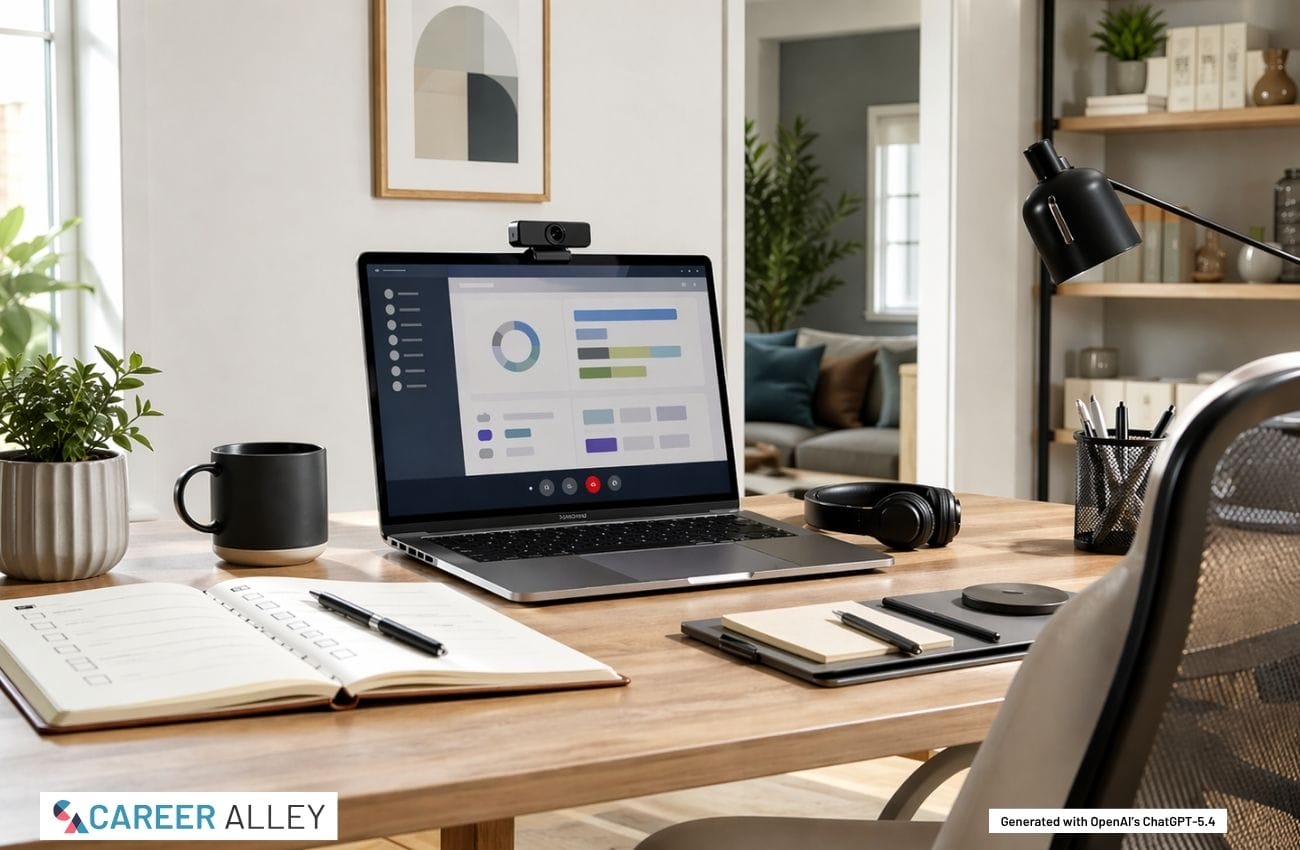
A separate room is useful but not essential. In a smaller home, a bedroom corner, landing, alcove, or portable workstation can work. Test possible locations during normal work hours for household noise, Wi-Fi strength, direct sunlight, and video-call backgrounds.
Match the space to the job. Frequent calls require privacy, while confidential work may require a lockable room or protected screen position. Technical roles may need more equipment storage or electrical capacity.
Renovation is rarely the first
Fit the Workstation to Your Body
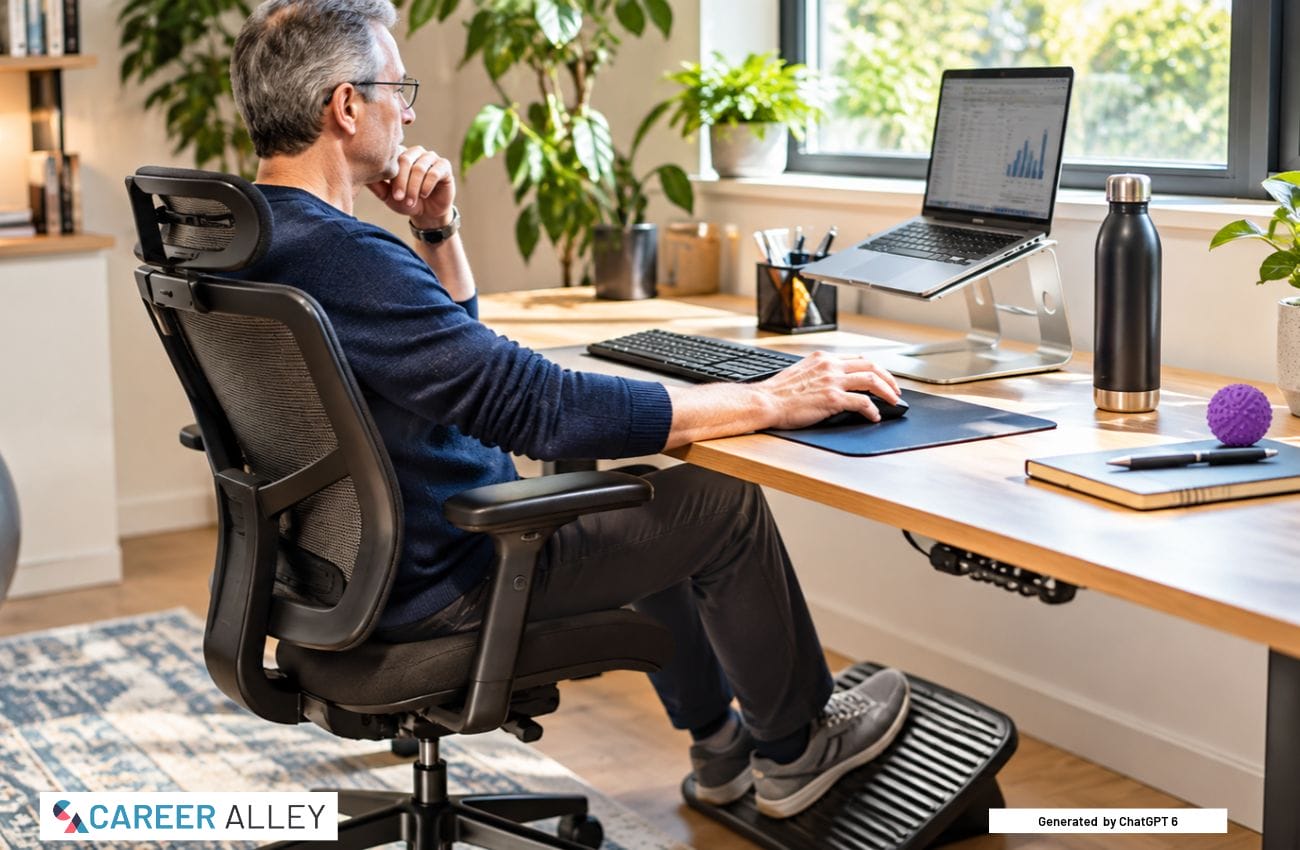
Ergonomics is about adjustability and alignment, not one perfect posture. Support your feet and lower back, relax your shoulders, and keep your wrists straight. Place the monitor directly ahead, near eye level, and at a comfortable viewing distance.
Choose ergonomic furniture by comparing adjustment range, seat depth, lumbar support, stability, and return policies rather than relying on the word ergonomic in a product description. A height-adjustable standing desk can make fitting the workstation easier, but a footrest, monitor riser, or separate keyboard may solve specific problems more affordably.
Changing position matters as much as arranging the equipment. Sitting or standing still for long periods can become uncomfortable even when the workstation is well fitted. Incorporate regular breaks by linking movement to natural transitions such as finishing a call, submitting a task, or refilling water.
Build a Dependable Technology Setup
List what your work requires before shopping. Priorities often include stable internet, an approved device, comfortable input equipment, dependable audio, and a well-positioned camera. A second monitor helps some workflows, while others benefit more from a headset or stronger router placement.
When selecting a reliable computer, check software compatibility, memory, storage, ports, warranty coverage, and whether your employer permits personal equipment. Buy a printer only if your workflow regularly requires paper; otherwise, it adds supplies, maintenance, and another device that may contain sensitive information.
Use cable routing that avoids trip hazards and strain on connectors. Before choosing a properly rated surge protector, verify that it is genuinely designed for surge protection, has an appropriate electrical rating, and provides enough safely spaced outlets for your equipment.
Security belongs in the setup. Follow employer policies, enable updates and multifactor authentication, lock unattended screens, and avoid sharing work devices. Secure confidential papers and use an approved virtual private network when required.
Control Light, Clutter, and Air Quality
Position the monitor at a right angle to windows when possible so daylight doesn’t shine directly into your eyes or reflect off the screen. Use blinds or curtains to control changing light and add a shaded task lamp for reading or detailed work. Balanced, diffused light is usually more comfortable than a bright window behind the monitor or an intense lamp in your field of view.
Organization should shorten the time it takes to start and finish work. Keep your home office organized by retaining only frequently used items on the work surface. Start by organizing your desk, then create designated homes for charging cables, reference materials, current paperwork, and supplies.
A planning system can help you focus on your tasks, but it can’t fix unclear priorities. Capture commitments in one system, identify each day’s important outcomes, and limit visual reminders to active work.
Comfort also depends on airflow, temperature, humidity, and sources of pollutants. Address moisture, dust, smoke, and ventilation before assuming a device will solve the problem. If you consider an air purifier, compare its recommended room size, filter cost, noise, placement requirements, and maintenance schedule.
Desk plants and flowers can personalize a workspace, but choose varieties suited to the available light and safe for children or pets. The growing trend of adding greenery to your home office reflects the continuing appeal of workplace plants; treat them as decor rather than a substitute for source control, ventilation, or filtration.
Home Office Buying Priorities
Before buying anything, divide potential purchases into three groups. Essentials are the equipment you need to do your work reliably, such as an appropriate computer, dependable internet, and a chair that fits. Situational upgrades solve demonstrated problems, such as a second monitor for detailed work, a headset for frequent calls, or a standing desk converter when your existing desk works well but you want more flexibility. Optional accessories include decorative organizers, plants, printers you rarely use, and other items that do not address a specific work requirement.
If you already own a sturdy desk, the Mount-It! standing desk converter with dual-monitor mount is one option to compare against replacing the entire desk. Check desktop depth, stability, display weight, and working-height range before purchasing.
Lighting is another practical upgrade when glare or dark paperwork creates a real problem. Compare adjustable task lamps, such as the Globe Electric gooseneck desk lamp with USB port, for beam direction, desk space, and compatible bulbs rather than paying for unnecessary features.
Create Boundaries That Protect Attention
A dedicated zone signals that work is beginning, even without a separate room. Keep a consistent setup, set household expectations, and control background noise. At day’s end, close applications, secure sensitive material, and leave or reset the space.
Productivity depends on work design as well as surroundings. Clear goals, realistic workload, protected focus time, and communication expectations matter more than decorative upgrades. A structured approach to productivity may help readers organize commitments, while these CareerAlley home office strategies provide additional ways to manage difficult workdays.
Review the setup after two weeks. Record discomfort, distractions, connection failures, missing equipment, and slow tasks. Change one problem at a time. The goal is a dependable environment that helps you be more productive without letting work take over your home life.
Further Guidance & Tools
- Ergonomics Checklist: Use the OSHA computer workstation guide to assess posture, monitor placement, seating, and equipment arrangement.
- Security Basics: Follow NIST telework security guidance to protect devices, home networks, remote access, and company information.
- Indoor Air: Review the EPA indoor air guide for practical information about pollutant sources, ventilation, moisture, and filtration.
- Working-from-Home Ergonomics: Use NIOSH recommendations for home workstations to assess working posture, breaks, and everyday comfort.
- Energy-Efficient Equipment: Review the Department of Energy’s efficiency guidance before replacing computers, monitors, and other electronics.
Next Steps
- Test Locations: Compare noise, daylight, privacy, electrical access, video backgrounds, and Wi-Fi performance in two possible work areas.
- Adjust Ergonomics: Set chair height, back support, monitor position, keyboard placement, mouse location, and foot support for neutral alignment.
- Prioritize Purchases: List the three problems affecting work most, then buy only equipment that directly addresses those needs.
- Secure Devices: Enable updates and multifactor authentication, follow employer access rules, and store confidential papers in a secure place.
- Review Results: Use the workspace for two weeks, record recurring problems, and make one targeted adjustment at a time.
Final Words
A strong home office is a working system, not a collection of fashionable products. Build it around the tasks you perform, the equipment your body can use comfortably, and the boundaries your household needs. Test inexpensive changes before renovating or replacing furniture, protect work information, and revisit the setup as your role changes. The most effective space helps you work consistently and still leave work behind at the end of the day.
Job search essentials curated to help you prepare, stay organized, improve your resume, and approach interviews with more confidence.




Mark Fiebert is a former finance executive who hired and managed dozens of professionals during his 30-plus-year career. He now shares expert job search, resume, and career advice on CareerAlley.com.
Discover more from CareerAlley
Subscribe to get the latest posts sent to your email.

