- Key Takeaways
- It Saves You Time
- It Helps You Stay Organized
- It Saves You Money
- It Helps You Manage Your Team
- It Helps You Stay Connected
- Why Online Scheduling Matters
- Reduce Admin With Smart Automation
- Cut Costs Without Cutting Service
- Coordinate Teams With Clarity
- Design a Frictionless Client Experience
- Measure, Improve, and Scale
- Next Steps
- Final Words
We may earn a commission if you click on a product link and make a purchase at no additional cost to you. For more information, please see our disclosure policy.
Last updated: September 21, 2025
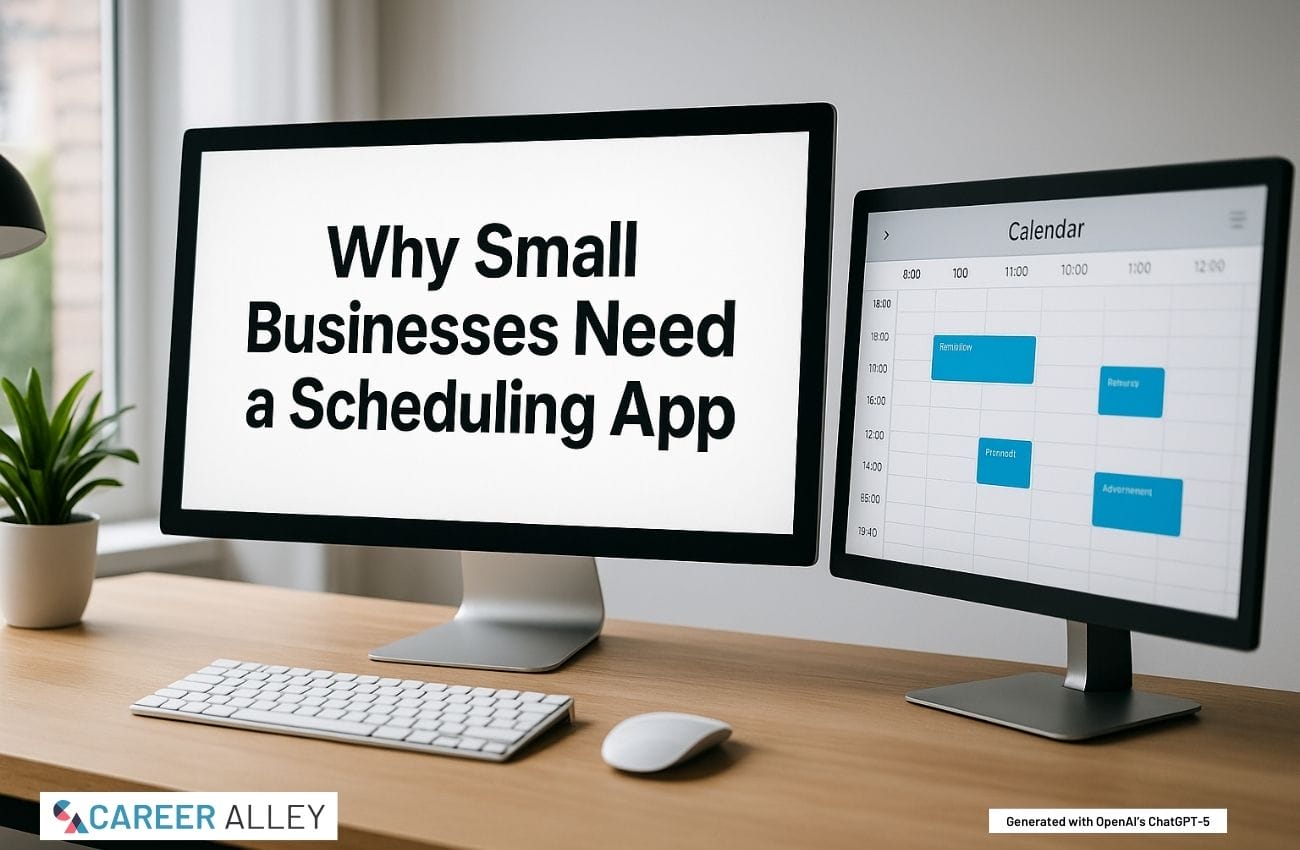
Key Takeaways
- Boosted conversions: Online booking reduces no-shows with reminders and lets clients self-serve on any device, keeping calendars accurate and predictable.
- Time-saving automation: Automate confirmations, reschedules, and two-way sync; standardized intake collects essentials once, saving staff time and preventing double bookings.
- Lower operating costs: 24/7 scheduling, deposits, and targeted reminders cut idle gaps and cancellations, improving utilization and cash flow without adding headcount.
- Stronger coordination: Shared calendars, role-based routing, buffers, and time-off workflows balance workloads, protect focus time, and deliver consistent service across locations.
- Continuous improvement: Track utilization, no-show rate, and revenue per slot; test reminder timing and forms, then scale what works with simple templates.
A scheduling app lets clients book online anytime, confirms appointments automatically, and reduces no-shows with reminders. For small businesses, the right tool centralizes availability, prevents double bookings, and simplifies handoffs between staff. Look for options that fit your workflows, support mobile use, and provide transparent reporting. When evaluating tools, consider your budget, the number of users, and whether you need payments, proposals, or integrations to streamline day-to-day operations.
It Saves You Time
Automation replaces back-and-forth calls and emails, freeing owners to focus on revenue work. A reliable system handles booking, confirmation, and calendar updates across the team members’ calendars. Many platforms also generate proposals and request deposits, so commitments are clear before service. For service-based companies or remote meetings, choosing a tool that aligns with your processes speeds intake, eliminates errors, and ensures every appointment flows into your master calendar without manual effort.
- Automated Booking: Offer self-serve scheduling, allowing clients to choose open slots that match your real-time availability without requiring staff intervention.
- Calendar Sync: Keep everyone aligned with two-way sync across staff calendars to prevent double bookings and missed handoffs.
- How-To Setup: Configure templates and reminders using scheduling so confirmations and reschedules happen automatically.
- Faster Intake: Collect key details during booking to reduce prep time and start appointments on schedule.
It Helps You Stay Organized
If your appointment scheduling relies on phone tag or scattered emails, clients feel the friction, and staff lose time. A purpose-built tool centralizes availability, automates confirmations, and logs changes for easy review. The best scheduling app for small businesses lets you publish a branded page, manage buffers, and sync with your calendar. With mobile access, you can confirm bookings, track updates, and keep the day running smoothly.
It Saves You Money
Always-on booking turns website visitors into appointments without extra staffing, while automated reminders reduce costly no-shows. Some platforms accept deposits or full payments during booking, improving cash flow and commitment. Reporting reveals peak times and underused hours so you can staff efficiently. As operations mature, choose features you’ll actually use; expanding carefully prevents paying for unused capacity and keeps your budget aligned to real demand and measurable productivity gains.
- 24/7 Intake: Convert after-hours interest into confirmed slots so your pipeline grows without additional labor costs.
- No-Show Control: Use text and
email reminders to reduce last-minute cancellations and protect revenue predictably. - Productivity Context: Review trends and staffing efficiency with resources such as employee time tracking insights to inform scheduling.
- Right-Sized Plans: Start with essential features; upgrade only when added automation clearly offsets subscription costs.
It Helps You Manage Your Team
Coordinating staff schedules is simpler when everything is centralized in one hub. Publish roles, locations, and service lengths, then automatically route bookings to the right person. A shared view reduces conflicts and keeps workloads balanced. Enable approvals for time off, set buffers to prevent overruns, and standardize communication so clients experience consistent service. For multi-staff operations, syncing to each person’s calendar improves accountability and protects time for focused work between appointments.
It Helps You Stay Connected
Whether your team works remotely or in the field, a unified dashboard keeps everyone informed without constant check-ins. Switch between calendar, list, or board views to assign work and track deadlines. Offer intake forms, automate reminders by
Why Online Scheduling Matters
Online scheduling centralizes availability, eliminates phone tag, and reduces no-shows with automatic confirmations and reminders. For small teams, it also standardizes intake so every appointment includes the details staff need to deliver on time. When customers can self-serve on any device, conversions rise and cancellations fall. The result is a simpler workday: fewer manual updates, clearer handoffs, and a predictable calendar that supports better staffing and happier clients.
Reduce Admin With Smart Automation
Automation turns booking from a back-and-forth chore into a dependable workflow. Configure buffers to prevent overruns, route services to the right team member, and send reminders at sensible intervals. Use confirmation pages to gather essential intake details once, not by
- Automated Booking: Offer self-serve slots that reflect real-time availability, eliminating manual coordination and reducing errors.
- Reminder Cadence: Send confirmations instantly, along with timely reminders that reduce no-shows while respecting client preferences.
- Calendar Sync: Maintain two-way sync so updates propagate everywhere and double bookings are prevented automatically.
- How-To Setup: Create bookable slots with step-by-step guidance from Google Calendar appointment scheduling.
Cut Costs Without Cutting Service
Always-on scheduling converts website visitors into confirmed appointments without requiring additional staff, thereby lowering acquisition costs. Deposits or prepayments enhance commitment and smooth cash flow, while analytics pinpoint peak demand, allowing you to staff precisely. Targeted reminders reduce wasted time, and standardized intake shortens visits. The net effect is higher utilization across the day and fewer idle gaps, enabling more revenue per labor hour without eroding the client experience.
Coordinate Teams With Clarity
Shared scheduling creates a single source of truth for responsibilities, locations, and service lengths. Publish who performs which services, define buffers, and block focus time so calendars protect deep work between appointments. Build simple approval workflows for time off and shift swaps to prevent conflicts. When everyone sees the same information, managers balance workload proactively, and clients receive consistent service regardless of who picks up the next appointment.
- Role Routing: Assign services to qualified staff automatically, improving first-time resolution and customer satisfaction.
- Availability Rules: Use working hours, buffers, and travel time to keep schedules realistic and humane.
- Time-Off Workflow: Standardize requests and approvals to prevent last-minute conflicts and coverage gaps.
Design a Frictionless Client Experience
Clients book more when the process is fast and predictable. Offer a straightforward menu of services, transparent durations, and accurate pricing. Confirm location details, accessibility notes, and prep requirements at confirmation to prevent surprises. Provide easy reschedule options to keep calendars accurate rather than driving cancellations. Mobile-friendly pages, secure payments, and consistent branding build trust, while short post-visit surveys surface improvements that compound into higher retention and referrals.
Measure, Improve, and Scale
Treat scheduling as an operating system you iterate on. Track no-show rate, utilization, and revenue per appointment to spot bottlenecks quickly. Test reminder timing, intake questions, and service lengths, then keep changes that improve throughput or satisfaction. As volume grows, standardize templates and permissions, and document workflows so training stays simple. A lightweight reporting rhythm turns small insights into durable gains that protect margins while elevating service quality.
- No-Show Metric: Monitor missed appointments; adjust reminder timing and deposits to reduce chronic drop-offs.
- Utilization View: Compare booked hours to capacity to right-size staffing and avoid idle gaps.
- Revenue per Slot: Analyze service mix and durations to maximize value delivered in each appointment window.
- How-To Tracker: Log experiments and results in Google Sheets to make improvements repeatable across locations.
Next Steps
- Audit Workflow: List services, durations, buffers, working hours, and staff roles; identify existing calendars and payment tools to integrate before vendor trials.
- Select Platform: Shortlist platforms that support two-way sync, mobile apps, intake forms, deposits, and role-based routing; verify security, uptime, and responsive support SLAs.
- Configure Policies: Set booking windows, buffers, cancellation and reschedule rules, and time-off workflows; standardize naming conventions so staff scanned calendars and avoid conflicts.
- Automate Communications: Enable instant confirmations plus reminder cadence (48 hours and day-of); include directions, prep steps, and self-service reschedule links to reduce no-shows.
- Measure and Improve: Track utilization, no-show rate, conversion from visitors to bookings, and revenue per slot; adjust templates, timing, and staffing based on weekly trends.
Final Words
Efficient scheduling is an operating system for your business, turning intent into predictable workdays and reliable revenue. When clients can self-serve, teams stay coordinated and managers allocate time to higher-value tasks. Thoughtful configuration prevents conflicts before they occur, while targeted reminders protect attendance without adding manual labor. Treat data as a feedback loop: monitor coverage, appointment mix, and throughput, then iterate deliberately. The payoff is a sharper customer experience, healthier margins, and a calmer day for everyone involved.
How to Start Your Own Business, Keep Your Books, Pay Your Taxes, and Stay Out of Trouble


Mark Fiebert is a former finance executive who hired and managed dozens of professionals during his 30-plus-year career. He now shares expert job search, resume, and career advice on CareerAlley.com.